(03) AI & Automation
Systems that do the busywork for you
AI assistants, automated workflows and integrations that capture leads, answer customers and move data between your tools — so your team spends its time on the work that matters.
What you walk away with
- Mapped process
- Working automations
- Connected tools and CRM
- Alerts for failures
- Plain-English documentation
What's included
Pick what you need — or take the lot, planned as one piece of work.
- 01
AI chat assistants
Website assistants trained on your content that answer questions and capture leads around the clock.
- 02
Workflow automation
Zapier and Make workflows that remove copy-paste work between tools.
- 03
CRM & lead routing
Forms, scoring and routing so every enquiry reaches the right person quickly.
- 04
Onboarding sequences
Automated emails and tasks that welcome new customers and members.
- 05
Custom integrations
API connections between your website, CRM and back-end systems.
- 06
AI content workflows
Drafting, tagging and publishing pipelines with a human check where it counts.
How it runs
Four clear stages, with your approval at the end of each one.
- Step 01
Map
Every step of the process today, who does it and where time is lost.
- Step 02
Design
The automated version, with clear rules for when a person should step in.
- Step 03
Connect
Workflows and integrations built, tested with real data and documented.
- Step 04
Watch
Monitoring and alerts after launch, with tuning as the business changes.
AI & Automation in action
A few projects where this service did the heavy lifting.
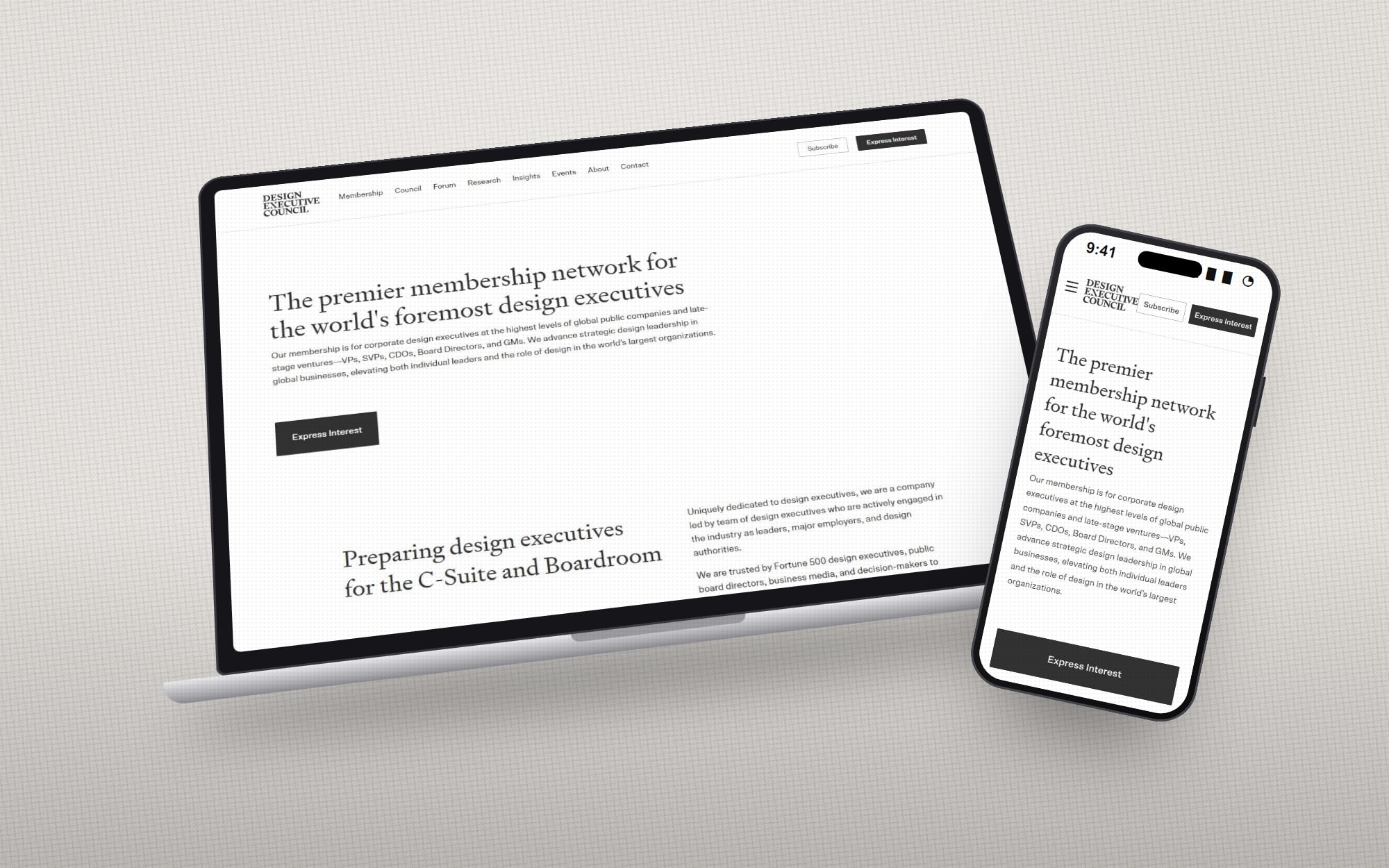 Design Executive CouncilA website for a network of senior design leaders that quietly runs the membership — applications, CRM, newsletter, community and gated content.
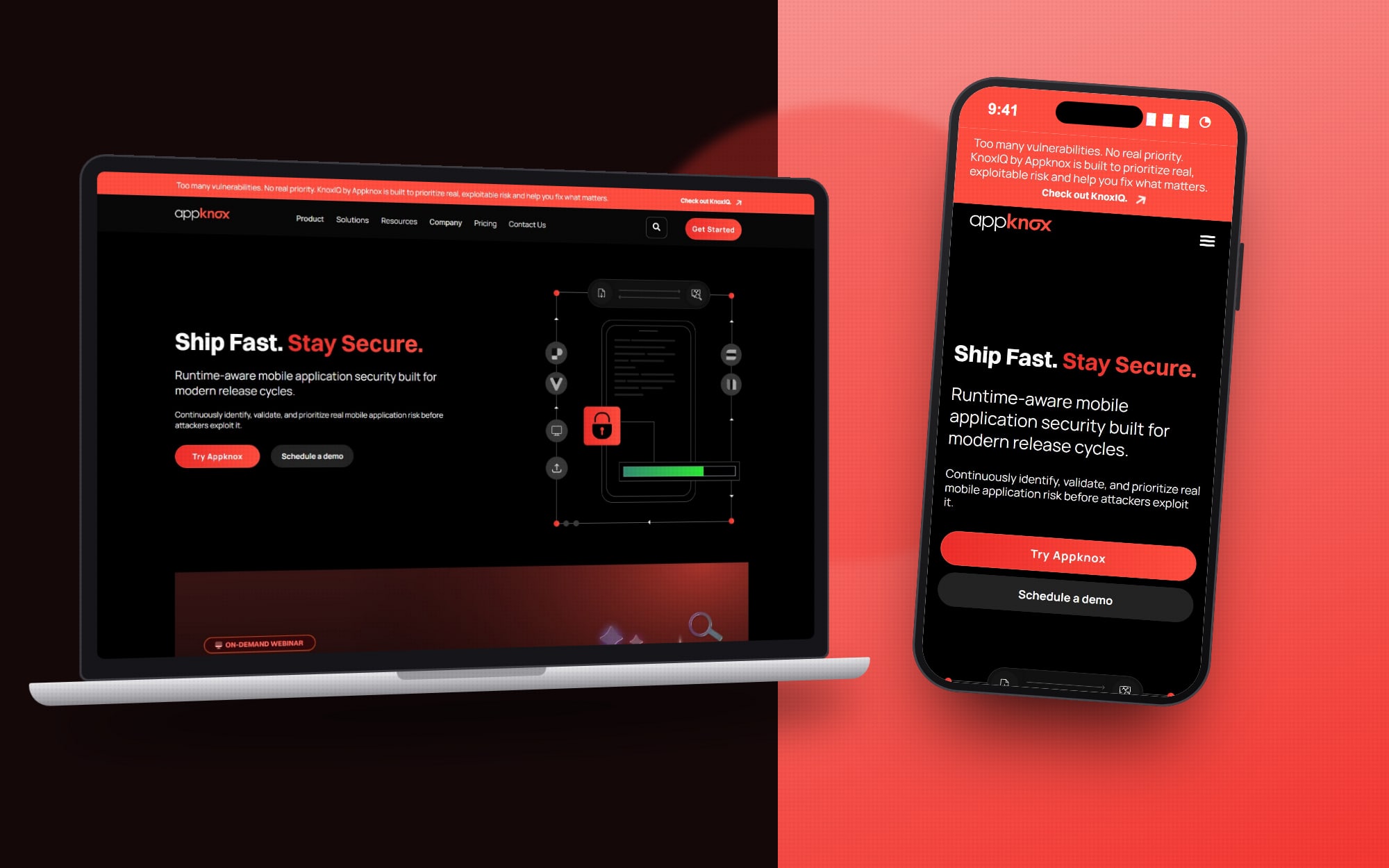 Appknox SecurityA HubSpot website where visitors can upload their own app and start a real security scan, straight from the browser.
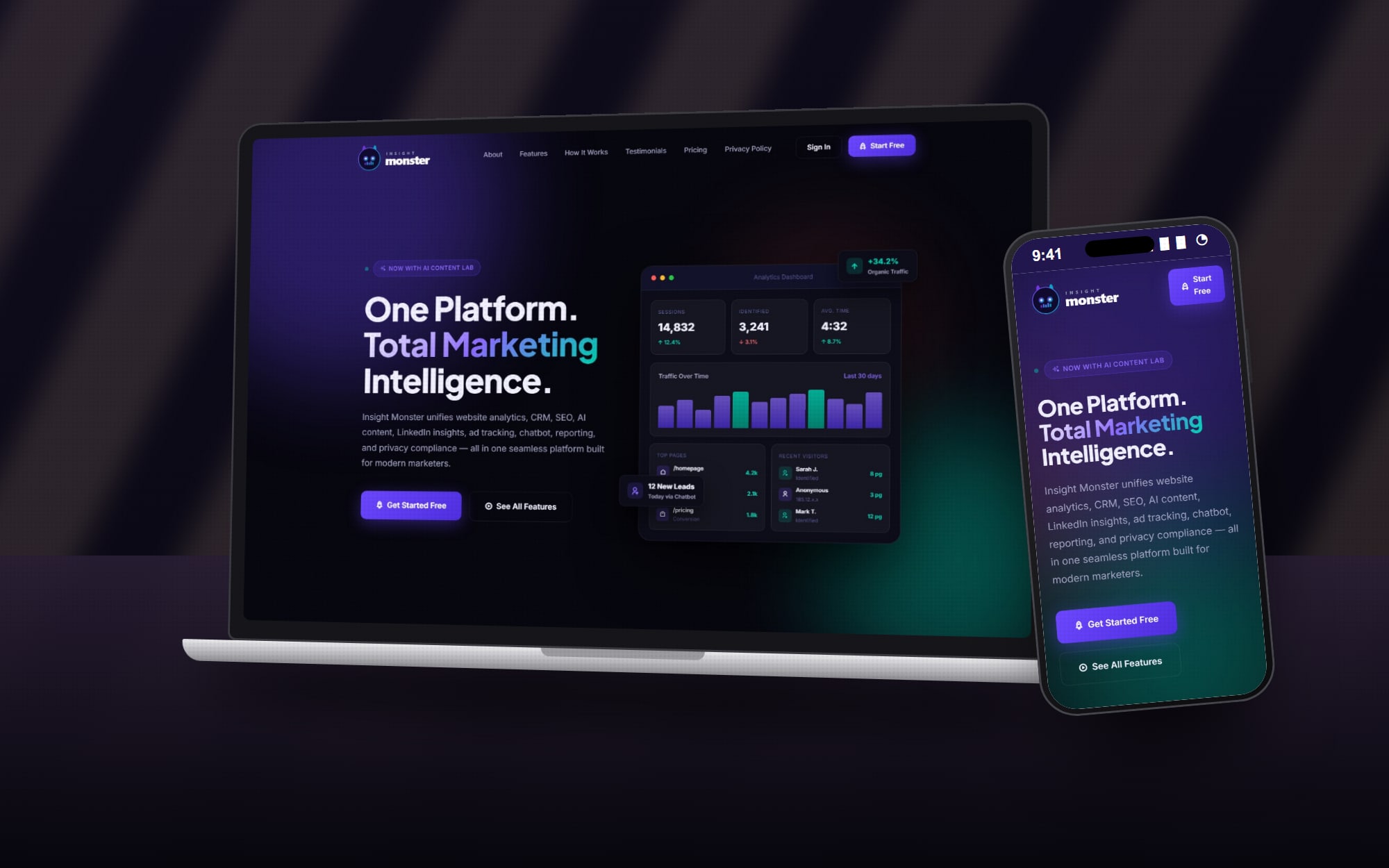 Insight MonsterOne marketing platform in place of seven tools — analytics, CRM, SEO, AI content, ad data, a chatbot and consent, sold by subscription.
Common questions
Is AI right for my business?+
Only where it saves real time or improves an answer. The mapping stage shows where automation pays off — and where it doesn't.
Which tools do you work with?+
HubSpot, Zapier, Make, common CRMs and newsletter tools, plus custom APIs when an off-the-shelf connector doesn't exist.
What happens if an automation fails?+
Every workflow is set up with alerts, so failures are spotted and fixed rather than discovered weeks later.
Will customers know they are talking to an AI?+
Yes. Assistants are clearly labelled and always offer a way to reach a person.