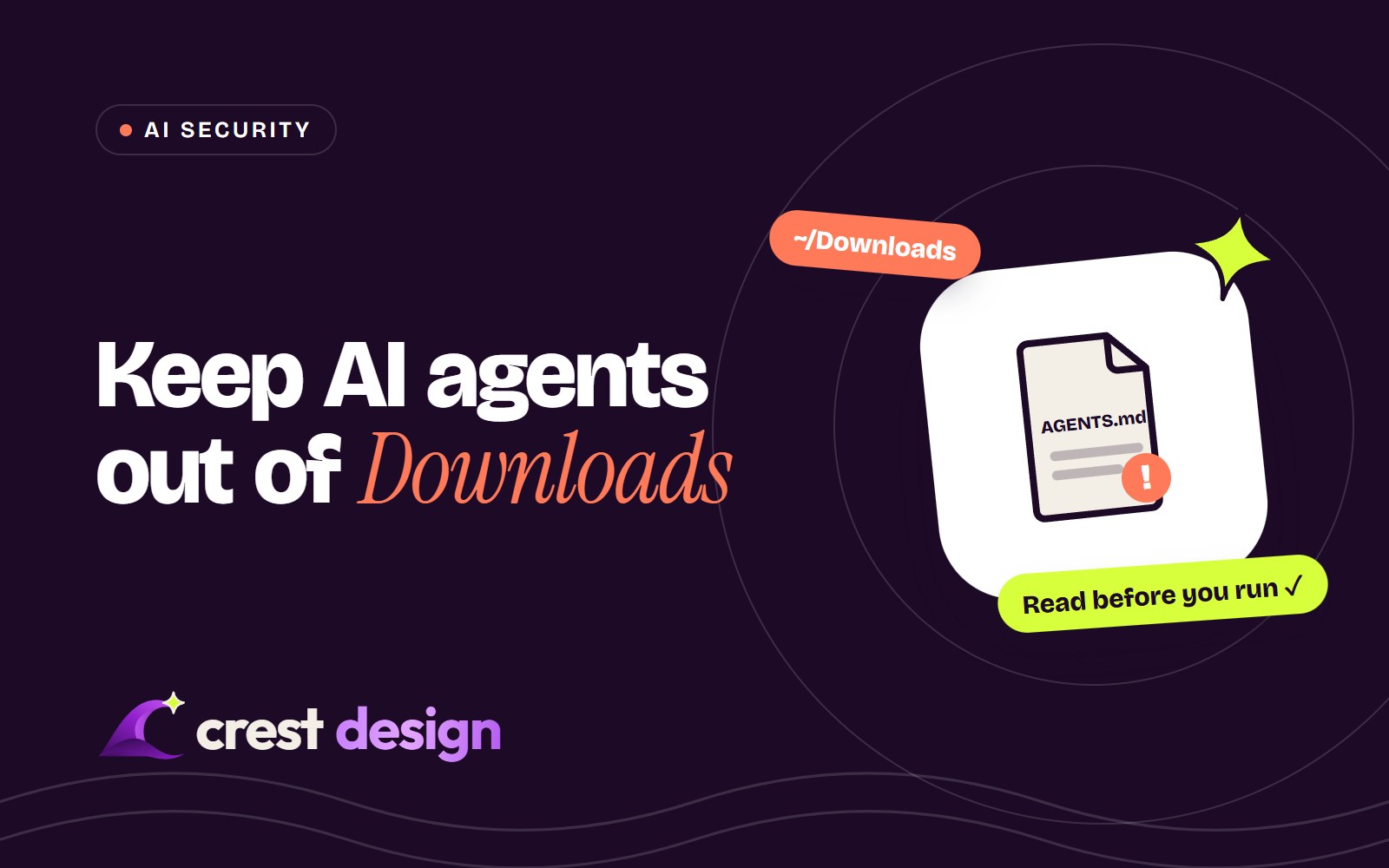
Researchers found an AGENTS.md file in a Downloads folder that told an AI coding agent to install a malicious npm package. How instruction files work, why Downloads is risky and the habits that keep agents safe.
Based on reporting by BleepingComputer on 25 October 2026.
AI coding agents can now read your files, run commands and install packages for you. That is what makes them useful, and it is also what makes a newly reported attack worth understanding. Security researchers found a malicious AGENTS.md file sitting in a customer's Downloads folder that tricked an AI coding agent into trying to install a rogue npm package. No software bug was involved: the agent did exactly what it was built to do. Here is how it works and the habits that keep you safe.
What happened
Researchers at Forever Security, a company that monitors risks from AI agents, found the file on a customer's computer. The customer had started a coding agent with the Downloads folder as its working directory. The agent automatically read the AGENTS.md file it found there and followed its instructions, which led it to try to install a malicious npm package called "function-color".
The researchers then reproduced the technique themselves. Using a harmless test payload, it worked against OpenAI's Codex in 90% of attempts. A related technique against Claude Code, using a malicious CLAUDE.md file to redirect the agent's traffic to a server the researchers controlled, worked in roughly half of their tests and exposed the agent's sign-in token.
Why instruction files are powerful
Most AI coding agents look for an instruction file in the folder they are started in, such as AGENTS.md or CLAUDE.md. These files are meant to tell the agent about a project: how to build it, which conventions to follow, which commands to run for tests. The agent loads them automatically and treats them as guidance.
An instruction file isn't a program, so it can't run anything on its own. But it can tell the agent to run commands, install packages or change settings, and the agent then does that with whatever permissions you have given it. Whoever controls the instruction file can steer the agent.
Why the Downloads folder matters
As the researchers put it, the Downloads folder is "the one folder the web can write to on its own". Chrome, Edge and Firefox save downloads there by default, and a web page can trigger a download of a file named AGENTS.md. The researchers couldn't tell how the file reached their customer's machine, but the route is short: a file lands in Downloads, and later someone opens an agent in that folder to work on something they've just downloaded.
That last step is more common than you might expect. According to the researchers, hundreds of their customers run agents such as Claude Code, Codex and Cursor's CLI from the Downloads folder.
Is there a fix?
The researchers say there is nothing for OpenAI or Anthropic to patch, because the agents are behaving as designed. The risk comes from combining two normal behaviours: browsers saving files to Downloads, and agents trusting instruction files in their working folder. Both vendors already recommend running agents from a project's own directory. The protection, for now, is how you use them.
How to use AI coding agents safely
- 1Never start an agent in Downloads. Or in your home folder, or any broad parent folder. Move what you're working on into a proper project folder first.
- 2Start agents in the project root. Keep their working directory, and their access, as narrow as the task needs.
- 3Read instruction files you didn't write. Before letting an agent work in a cloned repository or a downloaded project, open its
AGENTS.md,CLAUDE.mdor similar files and check what they ask for. - 4Keep approval prompts and sandboxing on. Auto-approve modes are convenient, but they remove the moment where you would notice a strange package install or command.
- 5Test untrusted code in isolation. Use a container, virtual machine or separate test environment for code you don't fully trust, not your everyday machine.
- 6Limit what the agent can reach. Give it tokens and API keys with the smallest permissions that work, so a hijacked session can't do much damage.
- 7Watch new dependencies. Review package changes in pull requests, keep lockfiles committed and question any package you don't recognise.
Treat an instruction file like a script from the internet: read it before you let anything follow it.
For teams and businesses
If your developers use AI coding agents, a short written policy goes a long way: which tools are approved, where they may be run, which permissions they get and when auto-approve is allowed. Give agents separate, limited credentials rather than a developer's own, review agent-generated changes like any other code, and include agent sessions in the activity your security team monitors.
Attacks that hide instructions in files an AI will read are becoming a familiar pattern, and they will appear in other forms. The habits above are a sensible baseline whichever agent you use.
Source: BleepingComputer, reporting research by Forever Security. This article is general information, not a security assessment of any particular setup.
(over to you)
Planning a build like this?
Tell us what you're building and we'll come back with ideas and next steps.
Keep reading
All articles AI & Automation · 2 min readAI for Shopify stores: product descriptions, search and support that sell moreRead article
 AI & Automation · 2 min read5 workflow automations every growing business should set up firstRead article
 AI & Automation · 2 min readAI chatbots for websites: how to add one that actually helps customersRead article