Four strong platforms, four different jobs. A plain-English comparison of HubSpot, Shopify, Webflow and WordPress, and five questions that settle which one your website needs.
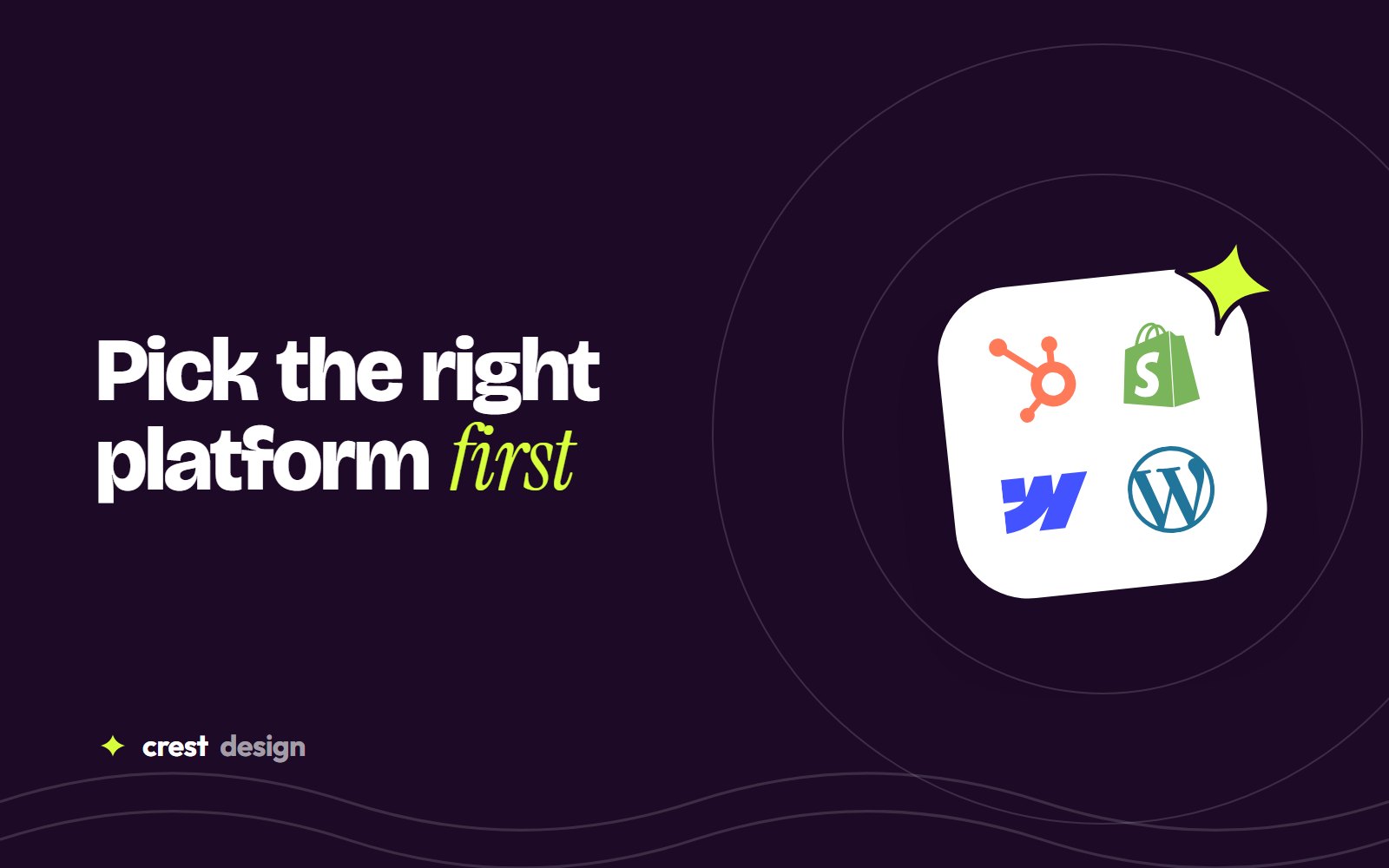
Most website projects go wrong before a single page is designed, at the moment someone picks the platform. Choose well and the site is quick to build, easy to run and ready to grow. Choose badly and every change becomes a workaround. We build on HubSpot, Shopify, Webflow and WordPress, so we have no reason to push one. Here is how we help clients decide.
Start with the job, not the platform
Before comparing features, answer one question: what is this website mainly for? Almost every business site falls into one of four jobs.
- Selling products online: the site is a shop first.
- Generating and nurturing leads: forms, follow-ups and the sales team matter most.
- Showing the brand at its best: design, storytelling and frequent marketing updates.
- Publishing a lot of content, flexibly: articles, resources and custom features you fully control.
Each platform is strongest at one of these jobs.
Shopify: when the website is a shop
Shopify is built for selling. Checkout, payments, inventory, shipping and taxes work out of the box, and it scales from a first product to thousands of orders a day.
- Best for: D2C brands, fashion, beauty, food and any business where online sales are the goal.
- Watch out for: app costs that creep up, and content-heavy pages that need custom sections.
For Indian ethnic wear label Alankari, Shopify handled payments and a logistics partner integration so orders move from checkout to dispatch on their own. If you are weighing up themes, read custom vs premium Shopify themes, and before launch, work through our Shopify launch checklist.
HubSpot CMS: when the website feeds a sales team
HubSpot puts the website and the CRM in one place. Every form submission, page view and email lands on the contact record, and marketing can build landing pages without a developer.
- Best for: B2B companies, SaaS and services businesses that already use, or plan to use, HubSpot's CRM.
- Watch out for: subscription cost, and themes that are too rigid if they aren't built properly.
Our guide to HubSpot CMS website development covers how a good build is structured, and Figma to HubSpot explains how custom designs become editable modules.
Webflow: when design and editing speed matter most
Webflow gives designers precise control and marketers a safe, visual editor, with hosting, security and backups handled for you.
- Best for: design-led marketing sites, startups and teams that update pages often.
- Watch out for: large online stores and deep CRM workflows, which other platforms handle better.
See when Webflow is the right platform, and if you are moving from another platform, follow our Webflow migration plan so you keep your search traffic.
WordPress: when you want full control
WordPress powers a huge share of the web because it can do almost anything, from a simple brochure site to a large content library, and you own every file.
- Best for: content-heavy sites, businesses that need a specific plugin or integration, and teams that want to choose their own hosting.
- Watch out for: updates, security and plugin sprawl, which need regular care to keep the site fast.
The quick comparison
| Question | Shopify | HubSpot | Webflow | WordPress |
|---|---|---|---|---|
| Main strength | Selling online | Leads and CRM | Design and editing | Flexibility and ownership |
| Hosting and updates | Handled for you | Handled for you | Handled for you | You manage them |
| Ease for marketers | High | High | High | Depends on the build |
| Online store | Excellent | Limited | Small catalogues | Good with WooCommerce |
| Ongoing cost | Plan plus apps | Highest | Plan by site | Hosting plus care |
The right platform is the one your team will still enjoy using two years after launch.
Five questions to settle it
- 1Where do your customers convert? At a checkout, in a form, or on a call?
- 2Which tools do you already pay for? A HubSpot CRM or an existing store changes the answer.
- 3Who will update the site? Marketers, a developer, or both?
- 4How much will you publish? A few pages, or hundreds of articles and products?
- 5What do you need in two years? New markets, a members area, or more automation?
If two platforms still look equal after these questions, pick the one with the lower running effort for your team. Features can be added; a platform your team avoids using cannot be fixed later.
Still not sure?
Compare the details on our Shopify, HubSpot, Webflow and WordPress pages, or see everything we build under Digital. Better still, tell us what the site needs to do and we'll recommend a platform, with our reasons.
(over to you)
Planning a build like this?
Tell us what you're building and we'll come back with ideas and next steps.
Keep reading
All articles Platform guides · 6 min readOutsourcing web development to India: a practical guide for 2026Read article
 Shopify · 7 min readHiring a Shopify developer in India: costs, process and red flagsRead article
 Webflow · 3 min readMoving to Webflow: a step-by-step migration plan that protects your SEORead article