Hyvä theme for Magento: is it worth switching from Luma in 2026?
The Hyvä theme for Magento is now free and open source. What it costs in practice, what it needs, how extensions and checkout work, and how to plan a switch.
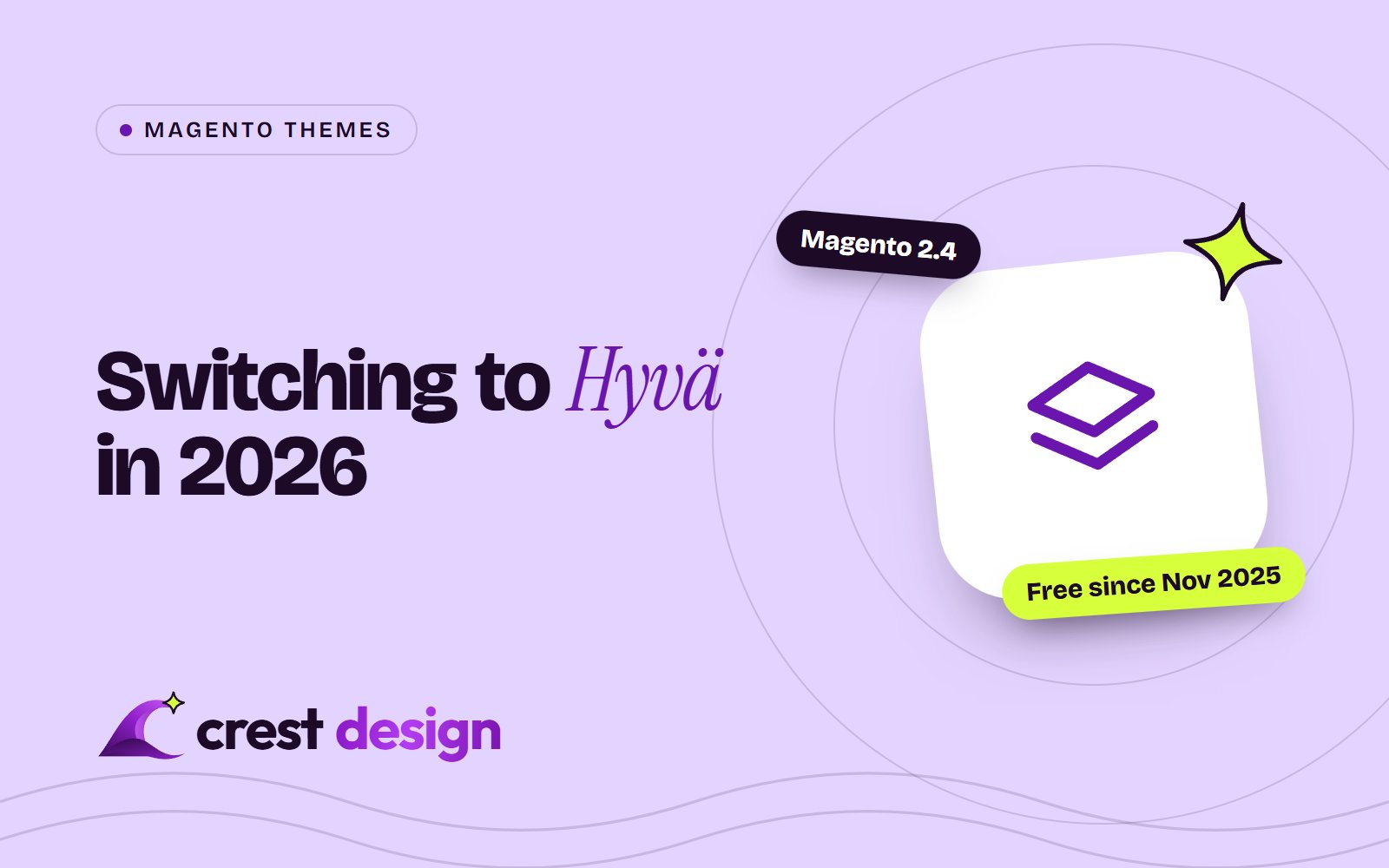
For most Magento Open Source and self-hosted Adobe Commerce stores still on a Luma-based theme, Hyvä is now worth a serious look. Since 10 November 2025, the Hyvä Theme has been free and open source, so the per-store licence fee is gone. The real cost of switching is now the work: rebuilding your theme, making extensions compatible and deciding how to handle checkout.
This guide covers what is free and what is still paid, what your store needs to run Hyvä, and how to plan the move. Prices and versions are accurate at the time of writing (November 2026).
What Hyvä is, and why stores move to it
Hyvä is an alternative frontend theme for Magento 2. Luma, Magento's standard theme, relies on RequireJS, Knockout and jQuery, which add a lot of JavaScript to every page. Hyvä replaces that stack with a much lighter approach built on Tailwind CSS and Alpine.js. Fast, lean pages can help Core Web Vitals and mobile shopping, though the gains on any store depend on its extensions, images and hosting, so measure before and after.
The other reason is maintainability. A smaller frontend stack with fewer layers of JavaScript can make later design changes simpler to build and test.
What is free and what is still paid
Hyvä announced on 6 November 2025 that it was relicensing the theme under the OSL3 and AFL3 licences, the same licences Magento Open Source uses. The rest of its product range remains commercial. Prices below are as shown on Hyvä's announcement page at the time of writing, in euros; check hyva.io for current pricing.
| Product | What it is | Price |
|---|---|---|
| Hyvä Theme | The core frontend theme | Free |
| Hyvä UI | A library of ready-made UI components | €250 per Magento store |
| Hyvä Checkout | A replacement checkout built for Hyvä | €1,000, with optional yearly support at €250 |
| Hyvä Commerce | A wider commercial package | €3,000 per year |
| Hyvä Enterprise | Support for Adobe Commerce features, including the B2B suite | €7,500 per year |
Hyvä Checkout and Hyvä Enterprise no longer need a paid theme licence to use. Existing theme licensees keep their premium support and access to Hyvä UI.
What your store needs
According to Hyvä's documentation at the time of writing, the theme requires:
- Magento: 2.4.4-p9, 2.4.5-p8, 2.4.6-p7, 2.4.7-p1 or later.
- PHP: 8.1, 8.2, 8.3 or 8.4. Hyvä says PHP 8.1 support ends in 2027, after which its products will target PHP 8.2 and newer.
- Node.js 20 or newer on development machines, to compile Tailwind CSS. The CSS should be built on development or staging, not on the production server.
- A free Hyvä Packagist key from your Hyvä account, used to install the theme with Composer.
If your store is on an older 2.4 release, plan the Magento upgrade first. Our post on Magento 2.4 end of support explains which versions still receive patches.
Extensions: the part that takes the most planning
Extensions built for Luma often include their own JavaScript and templates that won't work in a Hyvä storefront. Hyvä's answer is compatibility modules, which re-implement the parts of an extension that don't work out of the box. Some extension vendors ship their own, and others come from Hyvä or the community. Hyvä keeps a public compatibility module tracker showing status.
For each frontend extension on your store, you will end up in one of four places:
- 1 A compatibility module exists: install it and test.
- 2 The vendor ships Hyvä support in the extension itself.
- 3 No module exists: budget development time to write one.
- 4 The extension is no longer needed: remove it, which is often the cheapest option of all.
Admin-only and backend extensions usually don't need any changes, because Hyvä only replaces the storefront.
Checkout: Luma fallback or Hyvä Checkout
The free theme does not include its own checkout. You have two main routes:
-
Luma checkout fallback. Hyvä's
magento2-luma-checkoutmodule uses a theme fallback so the checkout page renders with a Luma-based theme while the rest of the store uses Hyvä. This keeps existing checkout extensions working, but the checkout keeps Luma's heavier JavaScript. - Hyvä Checkout. The paid checkout built for Hyvä. Hyvä's documentation recommends it for performance, compatibility and user experience, but payment and shipping extensions also need Hyvä Checkout support, so check yours first.
One practical approach is to launch with the fallback and treat Hyvä Checkout as a second phase once the rest of the storefront is stable.
The theme is free now. Budget for extension compatibility and checkout, because that is where the real work is.
How to plan the switch
- 1 Record a baseline. Capture Core Web Vitals, conversion rate and key page speeds on the current theme.
- 2 Audit extensions. List every frontend extension and check it against the compatibility tracker.
- 3 Decide on checkout. Fallback first, or Hyvä Checkout from the start.
- 4 Build a child theme of the Hyvä default theme and recreate your design and custom templates.
- 5 Test on staging across devices: product pages, layered navigation, search, cart, checkout, customer account and emails.
- 6 Launch and compare against your baseline over the following weeks.
One caveat on direction: Adobe Commerce as a Cloud Service, Adobe's SaaS edition, does not support Luma storefronts and uses a separate storefront built on Edge Delivery Services. Hyvä is a theme-layer choice for Magento Open Source and Adobe Commerce stores you run yourself or on Adobe's PaaS cloud. If you are weighing a move to another platform altogether, read our Magento to Shopify migration guide before investing in a new theme.
Frequently asked questions
Is Hyvä really free now?
The Hyvä Theme is free under open source licences. Hyvä UI, Hyvä Checkout, Hyvä Commerce and Hyvä Enterprise are still paid products.
Will Hyvä make my store faster?
It can, because it removes much of Luma's JavaScript. How much faster depends on your extensions, images, hosting and checkout choice, so measure against a baseline.
Does Hyvä work with Adobe Commerce?
Yes, with self-hosted Adobe Commerce and Adobe Commerce on cloud infrastructure. Hyvä also sells Hyvä Enterprise, which adds support for Adobe Commerce features such as the B2B suite.
Can we switch gradually?
Partly. The theme fallback lets specific routes, such as checkout, use a Luma-based theme while the rest of the store runs on Hyvä.
Need help with a Hyvä migration?
We build and maintain Magento stores, including Hyvä theme builds, compatibility work and upgrades. See our Magento development services, read about Magento 2.4 end of support, or contact us to plan your switch.
Sources: Hyvä: making Hyvä Theme open source and free, Hyvä getting started docs, Hyvä compatibility modules, Hyvä Luma checkout FAQ, Adobe Commerce as a Cloud Service overview
(over to you)
Planning a build like this?
Tell us what you're building and we'll come back with ideas and next steps.