A step-by-step Magento 2 to Shopify migration plan: what moves, data mapping, SEO redirects, extensions to apps, B2B, timelines and when to stay.
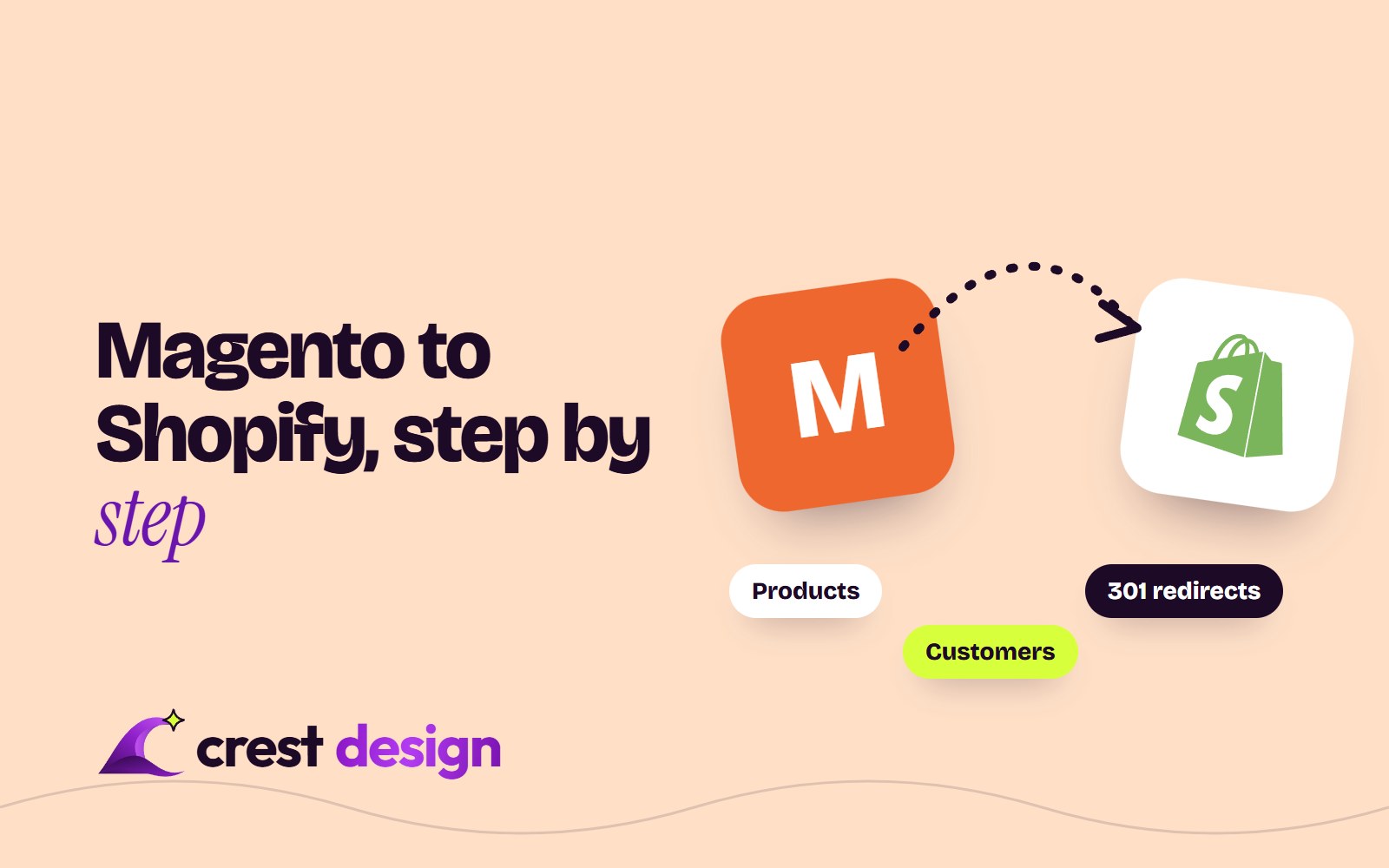
A Magento 2 to Shopify migration is less about copying data and more about deciding what your store should look like on a different kind of platform. Products, customers and orders can all be moved. Custom checkout logic, extensions and some account data cannot move as they are. This guide covers what moves, what doesn't, how to protect your SEO and a step-by-step plan, plus the cases where staying on Magento is the better call.
Where Magento stands in 2026
The current release is Magento Open Source and Adobe Commerce 2.4.9, released on 12 May 2026. Adobe's published lifecycle for Adobe Commerce gives these regular support end dates (as of October 2026; check the current table before planning):
| Version | Released | Regular support ends |
|---|---|---|
| 2.4.9 | May 2026 | 31 May 2029 |
| 2.4.8 | April 2025 | 31 May 2028 |
| 2.4.7 | April 2024 | 31 May 2027 (extended support to May 2028) |
| 2.4.6 | March 2023 | Ended 11 August 2026 (extended support to 31 August 2027) |
Adobe's lifecycle policy is written for Adobe Commerce. If you run Magento Open Source, treat the regular support date as your deadline. So if your store is on 2.4.6 or earlier, you already face a choice: pay for an upgrade to 2.4.8 or 2.4.9 (new PHP versions, extension updates, theme fixes and testing) or put that budget towards re-platforming.
Why merchants move from Magento to Shopify
- Total cost of ownership. Hosting, security patching, upgrades and extension licences add up. On Shopify, hosting, security and platform updates are part of the subscription.
- Developer dependency. Many Magento stores need a developer for routine changes. Shopify's theme editor lets marketing teams edit pages without code.
- Upgrade fatigue. Every Magento minor version brings PHP and dependency changes that can break extensions.
- Checkout and apps. Shopify's checkout, Shop Pay and app ecosystem cover most needs without custom code.
The trade-off is control. Shopify is a hosted platform with fixed patterns, and some things Magento lets you build freely have to be redesigned rather than copied.
What moves, and what doesn't
| Data | Moves? | Notes |
|---|---|---|
| Products and variants | Yes | Configurable products become products with variants. At the time of writing (October 2026), Shopify allows up to 2,048 variants per product. |
| Categories | Yes, as collections | Nested category trees become flat collections plus navigation menus. |
| Custom attributes | Yes, as metafields | Needs a mapping plan; this is where filters and specification tables live. |
| Customers | Yes, without passwords | Password hashes cannot be imported. Shopify's new customer accounts log in with an email one-time code, so customers do not need to reset a password. |
| Order history | Yes, as historical orders | Imported for reference and reporting; usually via a migration app or the API. |
| Reviews | Usually | Exported and imported into a reviews app. |
| URLs | No, they change | Shopify uses fixed paths such as /products/ and /collections/, so every URL needs a redirect. |
| Extensions and custom modules | No | Replaced by Shopify apps, Shopify Functions or a custom app. |
| Theme | No | Rebuilt as a Shopify theme. |
Tools such as Cart2Cart and LitExtension, both listed in the Shopify App Store, automate the bulk transfer of products, customers and orders. They can handle the bulk transfer, but they do not decide your data model for you. Plan the mapping first, then use the tool.
Data mapping: the step most teams rush
Magento's attribute sets, configurable products, bundles and multi-store views are more flexible than Shopify's structure, so map them deliberately:
- Attributes to metafields. List every attribute, decide which become product options, which become metafields and which can be dropped. Our work on an ethnic wear store used custom metafields to power filters, which is the usual pattern.
- Store views to Markets. Multiple Magento store views for languages or currencies usually map to Shopify Markets and translations rather than separate stores.
- Bundles and grouped products need a bundles app or a rethink of how they are sold.
- Customer groups become customer tags or, for trade customers, B2B companies.
Protecting SEO with redirects
Most of the SEO risk in a Magento migration comes from URLs. Magento URLs such as /womens/dresses/red-dress.html will become /products/red-dress on Shopify. To keep rankings:
- 1Crawl the live Magento site and export every indexable URL, plus your top landing pages from Search Console.
- 2Map each old URL to its closest new equivalent, not to the home page.
- 3Import the redirects through Shopify's URL redirect CSV import. At the time of writing (October 2026), standard plans allow up to 100,000 redirects and Shopify Plus up to 20 million.
- 4Carry over page titles, meta descriptions, headings and image alt text.
- 5After launch, submit the new sitemap and watch Search Console for 404s and coverage changes for at least six weeks.
Extensions to apps, and B2B
List every Magento extension and custom module, then sort them into three groups: built into Shopify (many SEO, promotion and checkout features), covered by an app, or needing a custom app or Shopify Functions. Drop anything nobody uses. This audit often removes a surprising amount of complexity.
B2B is a common reason merchants stayed on Magento. Shopify now includes B2B features on Basic, Grow and Advanced as well as Plus, with up to three B2B catalogues on Basic, Grow and Advanced and unlimited catalogues on Shopify Plus. Catalogues let you show trade customers their own products and prices, but complex quoting, approval workflows or ERP-driven pricing may still need apps or integration work. Our guide to Shopify vs Shopify Plus explains where the larger plan becomes worth it.
A step-by-step migration plan
- 1Discovery (1–2 weeks). Audit data, extensions, integrations, URLs and must-keep features.
- 2Choose the plan and apps. Decide on Shopify or Shopify Plus and shortlist apps.
- 3Design and build the theme (3–6 weeks). A premium theme with customisation, or a custom theme for distinctive brands.
- 4Test migration. Run a first import into a development store and check products, variants, metafields and customers.
- 5Integrations. Connect ERP, inventory, shipping, accounting and marketing tools.
- 6Redirects and SEO. Build and test the redirect map.
- 7QA. Test checkout, taxes, shipping rates, emails and payments on real devices.
- 8Final delta migration and launch. Import new orders and customers since the test run, switch DNS, then work through our Shopify store launch checklist.
Typical timelines range from 6–10 weeks for a straightforward catalogue to 3–6 months for stores with B2B, multiple markets or heavy integrations. Avoid launching just before your peak season.
Migrate the business, not the database. The store you launch on Shopify should be simpler than the one you leave.
When staying on Magento is right
Shopify is not the right answer for every Magento store. Staying on Magento or Adobe Commerce makes sense when:
- Your business logic lives in custom modules that would be expensive to rebuild as apps.
- You need complex multi-warehouse, configurable pricing or marketplace features deeply tied to your ERP.
- You have an in-house Magento team and a store on a supported version.
- Data must stay on your own infrastructure for regulatory reasons.
In those cases, upgrading to 2.4.9 and cleaning up extensions is often better value. Our Magento development team can scope both paths so you compare like with like.
Frequently asked questions
Will I lose SEO rankings when moving from Magento to Shopify?
Some fluctuation in the first weeks is normal. With a complete one-to-one redirect map and preserved on-page content, stores usually recover their traffic. Missing redirects are the main cause of lasting losses.
Can customers keep their passwords?
No. Passwords cannot be transferred, but with Shopify's new customer accounts customers sign in with a one-time code sent to their email, so most customers won't need to do anything.
How much does a Magento to Shopify migration cost?
It depends on catalogue size, design and integrations. A theme-based migration costs far less than a custom theme with B2B and ERP work. Get a fixed scope after discovery rather than a guess.
Plan your migration with us
Our Shopify development team has built stores such as one for an organic food brand, with a custom theme and metafields for nutrition and sourcing data, and handles migrations as part of our Digital service. Tell us about your Magento store through our contact form and we will map out what moves, what changes and what it will take.
(over to you)
Planning a build like this?
Tell us what you're building and we'll come back with ideas and next steps.