Best PHP version for WordPress in 2026: upgrade before 8.2 ends
PHP 8.2 loses security support on 31 December 2026. Here is which PHP version your WordPress site should run, and how to upgrade without breaking it.
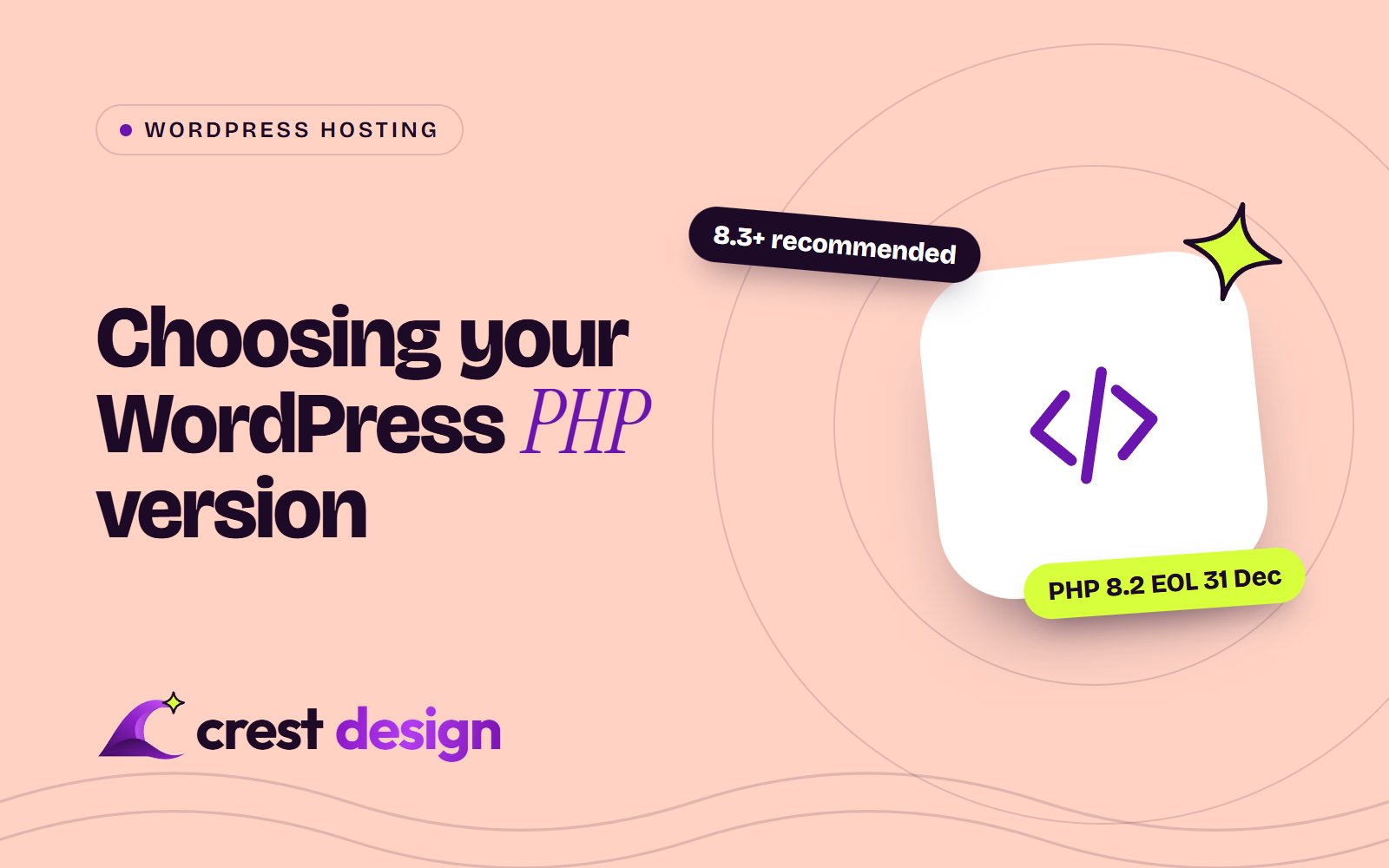
At the time of writing (November 2026), most WordPress sites should be running PHP 8.3 or PHP 8.4. WordPress recommends PHP 8.3 or greater, and the current WordPress 7.1 branch is compatible with PHP 8.4 and 8.5. If your site is still on PHP 8.2 or older, plan an upgrade now: PHP 8.2 reaches end of life on 31 December 2026, after which the PHP project stops releasing security fixes for it.
The urgency went up in October, when the PHP project released fixes for two critical remote code execution vulnerabilities and WordPress.org urged site owners to update PHP straight away. This guide explains which versions are supported, how to check yours and how to upgrade safely.
PHP versions and their support dates
Each PHP version gets two years of active support followed by two years of security-only fixes. Here is the position according to php.net:
| PHP version | Status in November 2026 | Security fixes until |
|---|---|---|
| 8.1 and older | End of life | Ended (8.1 on 31 December 2025) |
| 8.2 | Security fixes only | 31 December 2026 |
| 8.3 | Security fixes only | 31 December 2027 |
| 8.4 | Active support until 31 December 2026 | 31 December 2028 |
| 8.5 | Active support until 31 December 2027 | 31 December 2029 |
PHP 8.6 is in release candidate testing and is scheduled for general availability on 19 November 2026. As with any new PHP release, give your plugins and theme time to catch up before you use it on a production site.
What WordPress itself requires
There is an important difference between the version WordPress will run on and the version it recommends.
- Minimum: WordPress 7.0 raised the minimum supported PHP version to 7.4 and dropped PHP 7.2 and 7.3. The core team made that decision in January 2026 after usage of those versions fell below 4% of monitored installations. Sites still on PHP 7.2 or 7.3 stay on the WordPress 6.9 branch.
- Recommended: PHP 8.3 or greater, with MariaDB 10.11 or greater or MySQL 8.0 or greater.
- WooCommerce: the current release lists PHP 7.4 or higher and WordPress 7.0 or higher.
The WordPress requirements page notes that WordPress also works with PHP 7.4, but warns that versions past end of life may expose your site to security vulnerabilities. In other words, the minimum means "it runs", not "it is safe".
Why October's PHP security release matters
On 21 October 2026 the PHP project released PHP 8.5.12, 8.4.27, 8.3.36 and 8.2.35 to fix two critical remote code execution vulnerabilities, CVE-2026-109618 and CVE-2026-109619. The PHP team said all users should update immediately because there were no complete mitigations, and its advisory identified mod_php as the highest-risk configuration. WordPress.org published its own notice the same day, pointing out that no WordPress update was needed: the fix happens at server level.
Two points stand out for site owners. First, only supported branches received official releases. PHP 8.1 and older no longer get upstream updates, so a site on those versions cannot simply install a patch. Second, on shared or managed hosting the patch is usually your host's job, but it is still worth confirming it has been applied. These two flaws are the ones known as PHP2Shell: our post on what PHP2Shell means for anyone running PHP covers them in more detail.
This is general information, not security advice for your specific setup.
How to check which PHP version your site uses
- 1 In WordPress, go to Tools, Site Health, Info, then open the Server section. It shows the full PHP version, for example 8.3.36.
- 2 Check the Site Health Status tab, which flags outdated PHP versions.
- 3 Or look in your hosting control panel. On cPanel this is usually under "Select PHP Version" or "MultiPHP Manager"; managed hosts normally show it on the site dashboard.
Look at the full number, not just the branch. A site on 8.3 that has not reached 8.3.36 or later is missing the October fixes.
How to upgrade PHP without breaking your site
Most PHP upgrades are uneventful on a well-maintained site. The problems usually come from old plugins and custom code that uses functions newer PHP versions have deprecated or removed. A careful process looks like this:
- 1 Back up your files and database, and confirm you know how to restore them.
- 2 Update WordPress core, plugins and your theme first. Outdated plugin versions are a common cause of errors after a PHP upgrade.
- 3 Clone the site to staging and switch PHP there. Many hosts let you set the PHP version per site.
-
4
Turn on debug logging on staging by setting
WP_DEBUGandWP_DEBUG_LOGto true inwp-config.php. Then click through key pages, forms, checkout and the admin, and checkwp-content/debug.logfor fatal errors and deprecation notices. - 5 Check each plugin's "Requires PHP" and changelog on WordPress.org or the vendor's site, and plan to replace anything abandoned.
- 6 Switch production during a quiet period, keep the previous PHP version available so you can roll back, and monitor error logs for a few days.
Jumping straight from PHP 7.4 or 8.0 to 8.3 or 8.4 is usually possible, but it is a bigger leap and more likely to surface old code. Allow extra testing time.
If your site is on PHP 8.2 or older, aim to be on 8.3 or 8.4 before 31 December 2026.
Which version should you choose?
- PHP 8.3 is a safe, widely supported choice, with security fixes until the end of 2027. It matches the WordPress recommendation.
- PHP 8.4 has active support until the end of 2026 and security fixes until the end of 2028. It is a good option if all your plugins support it, and it buys you more time before the next upgrade.
- PHP 8.5 is the newest stable release, supported until the end of 2029, and WordPress 7.x is compatible with it. Check every plugin carefully, particularly older or niche ones.
Newer PHP versions are often faster too, so an upgrade can help performance as well as security. If speed is a concern, our guide to speeding up a slow WordPress site covers the other big wins.
Frequently asked questions
Will my site stop working on PHP 8.2 after 31 December 2026?
No. It will keep running, but PHP 8.2 will no longer receive security fixes from the PHP project, so any new vulnerability found after that date will stay unpatched upstream.
Is my host responsible for updating PHP?
Hosts typically apply patch releases within a branch, such as 8.3.35 to 8.3.36. Moving between branches, such as 8.2 to 8.3, is often left to you, because it can affect how your site behaves. Check your hosting agreement.
Should I switch to PHP 8.6 when it comes out?
Not straight away on a production site. Wait until your plugins, theme and host confirm support, and test on staging first.
Need help upgrading PHP on WordPress?
If you would like the upgrade tested and handled for you, our WordPress development team can audit your plugins, test the new PHP version on staging and switch production with a rollback plan. You can see the kind of WordPress work we do in this WordPress website for an events company. Get in touch about maintenance.
Sources: PHP supported versions, PHP news archive 2026, WordPress.org: Critical PHP Security Release, WordPress requirements, Dropping support for PHP 7.2 and 7.3, PHP compatibility and WordPress versions, PHP 8.6 release schedule
(over to you)
Planning a build like this?
Tell us what you're building and we'll come back with ideas and next steps.
Keep reading
All articles WordPress
· 5 min read
WooCommerce payment gateways in India: how to set up checkout properly
Read article
 WordPress
· 5 min read
WooCommerce 11 updates: what changed in 2026 and how to update
Read article
 WordPress
· 5 min read
WordPress 7.1.4 security release: update flaw under active attack
Read article