Why your WordPress site is slow and how to fix Core Web Vitals: diagnose with PageSpeed Insights, then a prioritised fix list for LCP, INP and CLS.
If your WordPress site is slow, the cause is rarely WordPress itself. It is usually a mix of cheap hosting, a heavy theme or page builder, too many plugins, oversized images and no caching. The good news is that most of it can be measured and fixed in order. This guide explains how to speed up a slow WordPress site, how to read your Core Web Vitals, and which fixes to make first.
What Core Web Vitals measure in 2026
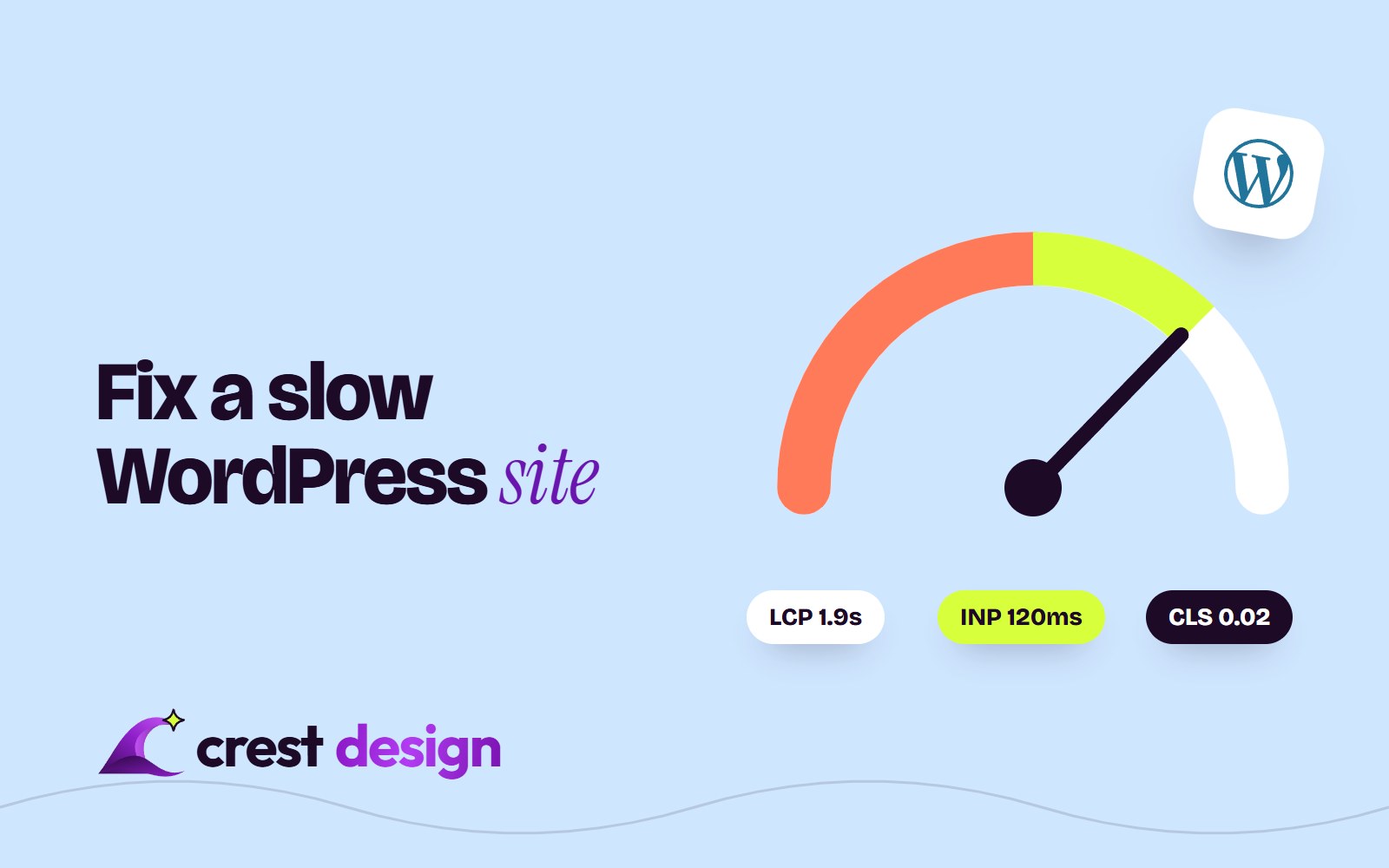
Google's Core Web Vitals are three metrics taken from real Chrome users. Interaction to Next Paint (INP) replaced First Input Delay (FID) as the responsiveness metric in 2024, so older guides that talk about FID are out of date.
| Metric | What it measures | Good | Poor |
|---|---|---|---|
| Largest Contentful Paint (LCP) | How quickly the main content (often the hero image or heading) appears | 2.5 seconds or less | Over 4 seconds |
| Interaction to Next Paint (INP) | How quickly the page responds to taps, clicks and key presses | 200 ms or less | Over 500 ms |
| Cumulative Layout Shift (CLS) | How much the layout jumps around while loading | 0.1 or less | Over 0.25 |
A page passes when all three are "good" at the 75th percentile of visits, measured separately for mobile and desktop. In practice that means three out of four real visitors must get a good experience, and mobile is almost always the harder test.
How to diagnose a slow WordPress site
Before you install anything, find out what is actually slow. Guessing leads to stacking optimisation plugins on top of each other, which often makes things worse.
- 1Run PageSpeed Insights on your key templates. Test the home page, a typical blog post, a service or product page and any landing page you pay to send traffic to. Each template has different problems.
- 2Read the field data first. The top section of PageSpeed Insights shows real-user data from the Chrome User Experience Report over the previous 28 days. This is what Google uses. The Lighthouse score below it is a lab simulation, useful for debugging but not the verdict.
- 3Open the Core Web Vitals report in Search Console. It groups URLs with the same problem, so you can see whether you have a site-wide issue (usually theme, hosting or a plugin) or a single template problem.
- 4Check server response time. If Time to First Byte is consistently slow, no front-end tweak will rescue LCP. Fix hosting and caching first.
- 5Find the LCP element and the long tasks. Lighthouse names the LCP element and lists the scripts that block the main thread. These two lists usually point straight at the culprits.
The usual causes, and what to do about each
Hosting
Shared hosting at a few dollars a month puts your site on a busy server with limited PHP workers. Under load, pages queue. Look for hosting with a current PHP version, server-level page caching, an object cache (Redis or Memcached) and a data centre close to your main audience, or a CDN in front of it. Managed WordPress hosting typically costs more per month, but it is often the single biggest improvement to server response time.
Theme and page builder
Multipurpose themes and visual page builders ship CSS and JavaScript for every feature on every page, plus deeply nested markup. That hurts LCP and INP at the same time. You do not always need to rebuild: disabling unused modules, removing sliders above the fold and loading builder assets only where they are used can help a lot. But if a page builder is wrapping simple content in dozens of nested containers, a lean block theme or a custom theme is the lasting fix.
Plugins
The number of plugins matters less than what they load. One social sharing plugin that injects scripts on every page can cost more than ten small admin-only plugins. Audit them one by one: what does it load on the front end, is it used, and can a few lines of code replace it? Chat widgets, tracking pixels, sliders, pop-ups and form plugins are the usual offenders for INP.
Images
Oversized images are still one of the most common LCP problems. WordPress has supported AVIF uploads since version 6.5, as long as the server's image library supports it, and WordPress 7.1 (August 2026) added native handling for AVIF, HEIC and HDR images and moved resizing and compression into the browser at upload time, which takes load off your server. What it cannot fix is a 4,000-pixel photo placed in a 600-pixel slot, so:
- Upload images at sensible dimensions and let WordPress generate responsive sizes.
- Serve WebP or AVIF where your setup supports it.
- Never lazy-load the hero image; it should load first, ideally with high fetch priority.
- Give every image width and height attributes so the layout does not shift.
Caching and speculative loading
Page caching turns a PHP and database request into a static file, which is the cheapest way to improve server response time. Use your host's built-in cache if it has one, or a single well-configured caching plugin, not two. On top of that, WordPress 6.8 added speculative loading to core: the browser starts fetching the next page as a visitor begins to click a link, so navigation feels near-instant. Core uses a cautious default, and WordPress 7.1 lets hosts and site owners change it through configuration rather than a plugin.
Fonts and third-party scripts
Self-host your web fonts, load only the weights you use, and preload the one used in the hero heading. Then look at third-party scripts: analytics, tag managers, heatmaps, chat and ad pixels. Each one competes for the main thread, and together they are a very common reason a site fails INP. Remove what nobody reviews, and delay the rest until after the page is interactive.
Measure first, fix in order, and re-test. Most slow WordPress sites need fewer things, not more plugins.
A prioritised fix list for a slow WordPress site
Work through this in order. Each step is cheaper and less risky than the one after it, and re-test after each change.
- 1Update WordPress, the theme, plugins and PHP. The current release line is WordPress 7.1 (October 2026), and each recent version has shipped performance work.
- 2Turn on page caching and a CDN. Check that logged-out pages are served from cache.
- 3Remove unused plugins and front-end scripts. Start with anything that loads on every page.
- 4Fix the LCP image. Right size, modern format, not lazy-loaded, high priority.
- 5Reserve space for images, embeds and ads to bring CLS down.
- 6Self-host and trim fonts.
- 7Delay non-essential third-party scripts to improve INP.
- 8Try the WordPress Performance Lab plugin. Built by the WordPress performance team, it bundles feature plugins such as Modern Image Formats, Image Prioritizer, Enhanced Responsive Images and Speculative Loading. Test each feature on staging rather than switching everything on.
- 9Upgrade hosting if server response time is still slow after caching.
- 10Replace the theme or page builder if the markup itself is the problem.
Field data in PageSpeed Insights covers 28 days, so allow about four weeks after a fix before judging the result there. The lab score will change straight away.
When to rebuild instead of optimise
Optimisation has limits. If the site runs on an abandoned theme, a page builder you cannot remove without rebuilding every page, or a dozen plugins holding up core features, you can spend more patching than a clean rebuild would cost. A lean custom WordPress theme keeps your editors on familiar ground. For marketing sites where the team wants visual editing without plugin upkeep, Webflow is a strong alternative, and for content-heavy or app-like sites, a Next.js front end gives the most control over performance. Our comparison of HubSpot, Shopify, Webflow and WordPress covers how to choose.
We have built WordPress sites such as a global logistics company's website and a B2B webinar company's marketing site, and the same principles apply to every build: a lean theme, few plugins and images handled properly from day one.
Frequently asked questions
Does a slow WordPress site hurt SEO?
Core Web Vitals are part of Google's page experience signals, but relevance and content quality matter more. The bigger cost is usually conversions: slow pages lose visitors before they read anything. Treat speed as a user experience fix that also helps search.
Is a caching plugin enough to pass Core Web Vitals?
Often not. Caching mainly helps server response time and LCP. It does little for INP, which depends on how much JavaScript runs in the browser, or for CLS, which depends on how the layout is built.
How long does it take to fix a slow WordPress site?
Quick wins such as caching, image fixes and plugin clean-up typically take a few days. Theme or page builder changes can take several weeks. Field data then needs around 28 days to reflect the improvement.
Get a second pair of eyes on your site
Our WordPress development team audits slow sites, fixes what can be fixed and tells you honestly when a rebuild makes more sense. It is part of our wider Digital service for websites and stores. Send us your URL through our contact form and we will tell you where the time is going.
(over to you)
Planning a build like this?
Tell us what you're building and we'll come back with ideas and next steps.