Headless Shopify with Next.js explained: what Hydrogen 2026-10 changed, real costs and trade-offs, when a theme is better, and a checklist to decide.
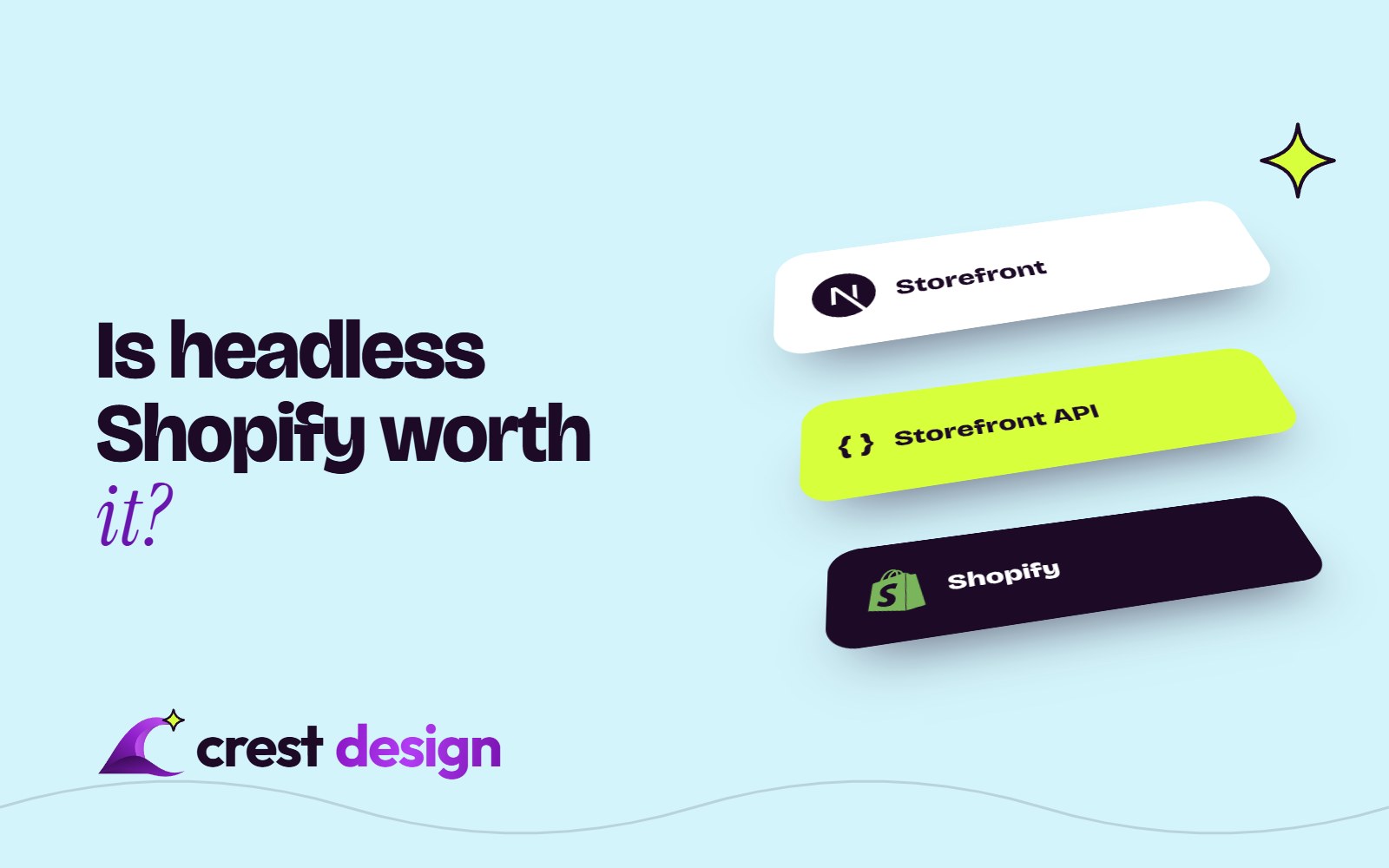
Headless Shopify with Next.js means keeping Shopify for products, cart, checkout and orders, while building the shop front your customers see as a separate Next.js site. It can give you complete design freedom and very fast pages. It also costs more to build and run, and it switches off some of the things that make Shopify easy. This guide covers what has changed in 2026, the real trade-offs, and a checklist to decide whether it is worth it for your brand.
What changed in headless Shopify in 2026
The headless picture moved a lot this year, mostly in Next.js's favour:
- Hydrogen is now a toolkit, not a framework. Hydrogen used to be Shopify's own React framework, built on Remix and then React Router. On 14 October 2026 Shopify made Hydrogen 2026-10 generally available as a framework-agnostic library that adds the commerce layer (cart, variant selection, local-currency pricing, Markets, consent-aware analytics, Shop Pay and customer accounts) to the framework you already use.
- Next.js is a first-class option. Shopify rebuilt Hydrogen with Vercel's Next.js team, starting with a developer preview in June 2026. Shopify now offers starters for both React Router and Next.js, the latter through Vercel Shop, a Hydrogen-based storefront maintained by Vercel.
- Hosting is your choice. Hydrogen storefronts can run anywhere. At the time of writing (October 2026), Oxygen, Shopify's own hosting, is included at no extra charge on most paid plans (check Shopify's current terms); stores that host elsewhere, such as on Vercel, connect through Shopify's Headless channel.
- The APIs are the same foundation. The Storefront API serves products, collections, search and the cart, and the Customer Account API handles sign-in and order history. Vercel's long-running Next.js Commerce template still uses these directly, and it requires a paid Shopify plan (not Starter, as of October 2026).
Shopify's own developer documentation is candid that headless costs more to build and run than a theme, and that the merchant needs developers to maintain the storefront after launch. That is the right frame for the decision.
What you gain with a Next.js storefront
- Design and experience freedom. Any layout, interaction or content model, without working around Liquid templates and theme sections.
- Content and commerce together. You can pull product data from Shopify and editorial content from a headless CMS into the same pages, which suits brands with heavy storytelling, lookbooks or guides.
- Performance control. Next.js server rendering, caching and image handling let a good team build very fast pages. Next.js 16.4 even added a setting to guarantee that key routes stay fully static, which its release notes call out for e-commerce.
- One front end, several destinations. The same commerce layer can feed a website, a mobile app, in-store screens or several regional sites.
The trade-offs people underestimate
Apps that stop working out of the box
Much of the Shopify app ecosystem plugs into themes. Theme app extensions are Liquid blocks designed for Online Store 2.0 themes, so reviews widgets, upsell blocks, size guides, loyalty badges and many personalisation tools will not simply appear on a Next.js front end. Some apps offer APIs or headless SDKs; others do not. Each one becomes an integration task, and some may need replacing.
Checkout stays on Shopify
Going headless does not give you a custom checkout. Customers are handed off from your cart to Shopify's hosted checkout, which is a good thing for conversion and security, but it means the checkout follows Shopify's rules. Adding custom content to the information, shipping and payment steps through checkout UI extensions is available only on Shopify Plus (as of October 2026). If checkout control is a big part of your motivation, read our comparison of Shopify vs Shopify Plus first.
Marketing loses the theme editor
With a theme, your team rearranges the home page, adds a banner or launches a landing page in the Shopify editor. In a headless build, that ability exists only if developers build it, usually through a CMS. Without it, every campaign change becomes a developer ticket.
Maintenance is permanently yours
A theme gets platform improvements largely for free. A headless store needs someone to update the framework, apply security patches (Next.js has issued regular security releases throughout 2026), keep up with Shopify's quarterly API versions and fix integrations when a third-party service changes.
Cost
Market estimates for a headless Shopify build vary widely. In our experience, headless builds commonly range from around US$30,000 to well over US$150,000 depending on scope, plus ongoing developer time. Treat these as typical ranges, not quotes; the biggest variables are the number of apps to integrate, the CMS, international markets and custom features.
Headless or theme: a quick comparison
| Factor | Shopify theme | Headless with Next.js |
|---|---|---|
| Build cost | Lower; premium or custom theme | Higher; a custom application |
| Time to launch | Weeks | Usually months |
| Shopify apps | Most install and work in the theme editor | Need API integration or replacement |
| Marketing edits | Built-in theme editor | Only if a CMS or editor is built in |
| Checkout | Shopify checkout | Shopify checkout (same) |
| Design freedom | High within theme structure | Complete |
| Ongoing maintenance | Light | Continuous developer involvement |
Performance and SEO: is headless faster?
It can be, but a theme is no longer slow by default. A lean, well-built Shopify theme with sensible images and few apps can score well on Core Web Vitals. Many slow Shopify stores are slow because of app scripts, oversized media and heavy sliders, which a rebuild in any technology would also need to fix.
For SEO, a Next.js storefront renders real HTML on the server, so search engines read it well. The risks are in the migration: changed URLs without redirects, lost structured data, missing canonical tags or broken sitemaps. Shopify's guidance expects product URLs at /products/handle by default, with server-side redirects if you change the structure. Plan redirects, metadata and structured data before launch, not after.
Go headless for a business reason you can name, not because a theme felt slow.
When a theme is the better choice
For most brands, a fast theme is still the right answer. It usually wins when:
- Your catalogue and content needs fit Shopify's sections and metafields.
- Your marketing team needs to change pages daily without a developer.
- You rely on several theme-based apps for reviews, upsells, subscriptions or loyalty.
- You do not have, or do not want, a developer retainer after launch.
Our own Aveline theme for fashion and beauty brands was built to show how fast a well-engineered Shopify theme can be without going headless. If you are torn between a ready-made and a bespoke theme, see custom vs premium Shopify theme.
Decision checklist: is headless Shopify worth it for you?
Count how many of these are true. Four or more suggests headless deserves a serious look; two or fewer usually means a theme.
- 1You need an experience a theme genuinely cannot deliver, such as complex configurators or content-led shopping.
- 2You want one commerce back end serving a website plus an app, kiosk or several regional storefronts.
- 3You already use, or plan to use, a headless CMS for content.
- 4You have budget for a developer team after launch, not just for the build.
- 5The apps you rely on have APIs, or you are willing to replace them.
- 6Your revenue is large enough that small conversion gains pay back a higher build cost.
- 7You have a clear plan for redirects, SEO and analytics during the switch.
Not sure which framework to build on? Our guide to React vs Next.js explains why Next.js suits public, search-facing storefronts.
Frequently asked questions
Do I need Shopify Plus to go headless?
No. Headless storefronts work on paid Shopify plans, and Oxygen hosting is included at no extra charge on them at the time of writing (October 2026) (check Shopify's current terms). Plus becomes relevant if you need checkout UI extensions in the information, shipping and payment steps, or other Plus-only features.
Should I use Hydrogen or Next.js?
Since Hydrogen 2026-10, you no longer have to pick. Hydrogen is now a toolkit you can use inside Next.js, so you get Shopify's tested cart and customer account logic with the framework your developers already know.
Will headless improve my conversion rate?
Not automatically. Speed helps, but conversion gains usually come from better product pages, search, content and testing. A headless build makes those easier to change, provided someone keeps improving the store after launch.
Talk to Crest Design
Our team builds Shopify stores both ways: themes and optimisation through our Shopify development service, and headless storefronts through Next.js development, as part of our wider Digital services. We will tell you honestly if a theme is the better investment.
Share your store, catalogue and plans with us, and ask our development team for a headless or theme recommendation.
(over to you)
Planning a build like this?
Tell us what you're building and we'll come back with ideas and next steps.